
Struggling to remove that pesky eSIM from your iPhone? You’re not alone. Many users find themselves in a digital tug-of-war with their devices, wondering why something so simple feels like a complex puzzle. It’s like trying to get a cat out of a tree—frustrating and often leads to some colorful language!
Understanding eSIM Technology
eSIM technology revolutionizes mobile connectivity by enabling users to switch carriers without needing a physical SIM card. Many benefits accompany this advancement, such as flexibility and convenience in managing multiple plans.
What is eSIM?
eSIM stands for embedded SIM. Unlike traditional SIM cards, it’s built directly into the device, allowing software-based management of carrier profiles. This technology supports multiple mobile network operators simultaneously, giving users the freedom to choose and switch providers easily. Major phone manufacturers, including Apple, have adopted eSIM technology, making it increasingly common in smartphones.
How eSIM Works on iPhones
iPhones leverage eSIM technology to enhance connectivity options. Users activate eSIM through their carrier, usually by scanning a QR code or using the carrier’s app. Once activated, they can manage their cellular plans via the iPhone’s settings. The flexibility of eSIM allows users to add, delete, or modify plans without needing to insert or remove a physical SIM card. This feature simplifies the process of changing carriers while traveling or switching providers.
Reasons You Might Encounter eSIM Removal Issues
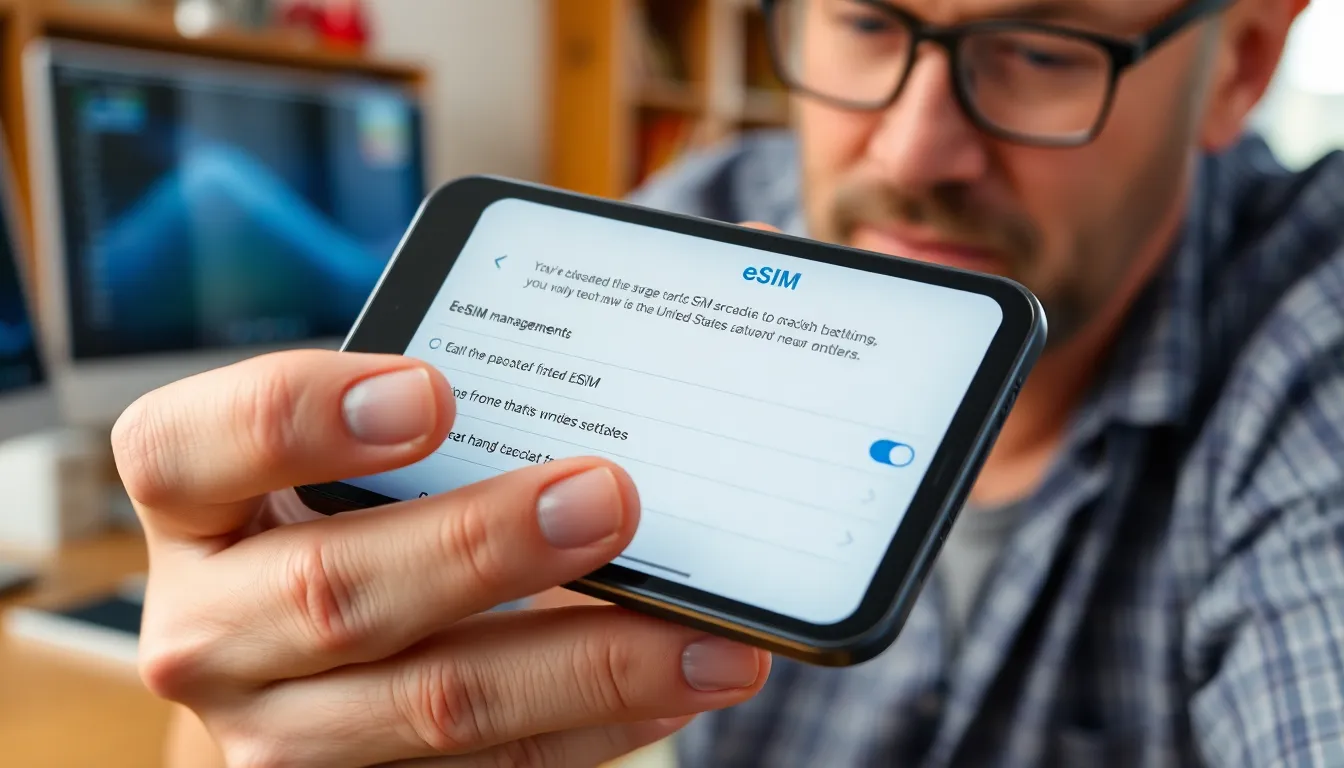
Removing an eSIM from an iPhone can be challenging due to various factors. Understanding the reasons behind these issues helps users navigate potential obstacles more effectively.
Software Glitches
Software glitches frequently hinder the eSIM removal process. Occasional bugs in the iOS system may prevent users from accessing the eSIM management settings. Some users might find that their iPhone requires a software update to resolve underlying issues. A simple restart often alleviates temporary problems, allowing users to try the removal process again. Working with Apple’s support resources can provide additional assistance if glitches persist. Not all users experience the same software issues, but awareness of this possibility can lead to better troubleshooting.
Carrier Restrictions
Carrier restrictions often complicate the removal of eSIM profiles. Certain mobile carriers enforce specific policies that prevent users from deleting their eSIM without prior authorization. Users may need to contact their carriers for assistance or clarification regarding their particular policies. Unbeknownst to some, carriers have different procedures for managing eSIM profiles based on the user’s plan. Users should keep in mind that reaching out to the carrier can provide essential insights into the removal process. Understanding these restrictions enables users to approach the situation with more confidence and clarity.
Troubleshooting Steps for “Can’t Remove eSIM iPhone”
If users encounter issues while trying to remove an eSIM from their iPhone, several troubleshooting steps can help resolve the problem.
Check for Software Updates
Software updates often contain important bug fixes and improvements. Access the Settings app, select General, and tap Software Update to check for any available updates. Downloading and installing the latest version of iOS can enhance device performance and resolve glitches related to eSIM management. Regularly updating the software ensures the device runs smoothly, providing the best chance of eliminating stubborn eSIM profiles.
Restart Your Device
A simple restart can often resolve many technical issues. By turning the iPhone off and back on, users force the operating system to refresh. This process can help eliminate temporary software glitches that may be blocking access to eSIM settings. Press and hold the power button, slide to power off, and then turn it back on. This quick fix often resolves minor issues that prevent the removal of an eSIM.
Reset Network Settings
Resetting network settings can restore default configurations, which may help address eSIM removal problems. Navigate to Settings, then tap General, followed by Transfer or Reset iPhone, and select Reset Network Settings. Keep in mind that this action erases saved Wi-Fi networks and passwords. After performing this reset, users may find their access to eSIM management restored, making it easier to remove unwanted profiles.
Alternative Solutions
Finding alternative solutions is essential for users struggling to remove an eSIM from their iPhones. Below are two effective methods that can aid in the process.
Contacting Your Mobile Carrier
Reaching out to the mobile carrier often resolves eSIM issues. Carriers can provide specific guidelines tailored to the user’s plan. Policies vary widely between carriers, and understanding these can clarify removal procedures. Authorization may be required before removing the eSIM, and customer service representatives usually can assist with obtaining that authorization. In some cases, they may walk users through the necessary steps, ensuring clarity and efficiency. Misinformation about carrier policies can lead to frustration, so verifying with the carrier creates a smoother experience.
Visiting an Authorized Service Center
After exhausting troubleshooting options, visiting an authorized service center is a worthwhile step. Technicians at these centers possess expertise in handling eSIM-related problems. They can diagnose underlying issues that may prevent eSIM removal. This face-to-face interaction often helps in addressing concerns more effectively. Additionally, authorized centers utilize certified tools and software that ensure the device functions correctly post-service. Communicating directly with a technician allows for tailored advice, which can significantly expedite the resolution process.
Removing an eSIM from an iPhone can be a frustrating experience for many users. While the technology offers great flexibility in managing mobile plans, obstacles like software glitches and carrier restrictions often complicate the process. By following suggested troubleshooting steps and reaching out to mobile carriers for assistance, users can navigate these challenges more effectively. For those still facing difficulties, seeking help from authorized service centers can provide additional support. Empowering oneself with knowledge and resources ensures a smoother journey in managing eSIM profiles on iPhones.